
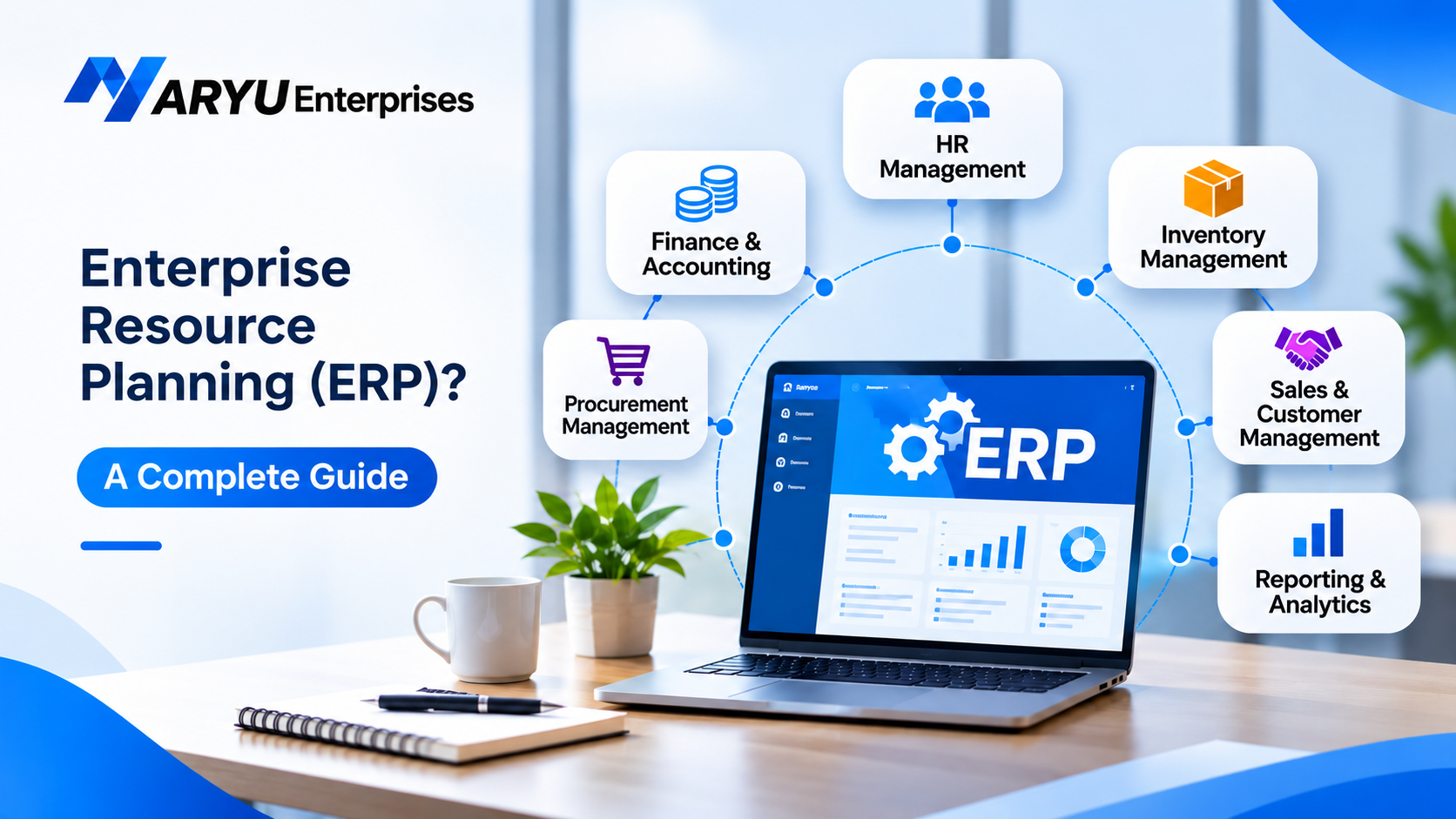
Businesses manage several activities every day, including finance, inventory, sales, purchasing, human resources, and customer relationships. When these activities are handled using separate tools or spreadsheets, it can become difficult to maintain accurate information and coordinate different departments.
This is where Enterprise Resource Planning (ERP) becomes useful. An ERP system helps businesses manage multiple operations through a centralized software platform. It connects different departments, organizes business information, and helps employees work with consistent data.
What Is Enterprise Resource Planning (ERP)?
Enterprise Resource Planning (ERP) is a type of business management system that integrates different organizational processes into a single software platform. Instead of using separate applications for accounting, inventory, employee management, sales, and purchasing, businesses can manage these activities through one connected system. An ERP system collects and stores business information in a centralized database. This allows authorized employees across different departments to access relevant information and work with updated records.
For example, when a sales team confirms an order, the inventory department can check the available stock, while the finance department can access the relevant billing information. This reduces the need to enter the same information into multiple systems.
How Does Enterprise Resource Planning Work?
An ERP system works by connecting different business departments through shared software modules and a centralized database.
Each department uses specific modules to perform its daily activities. However, these modules communicate with one another, allowing information to flow across the organization.
Data Collection: The ERP system collects information from different departments, such as employee records, customer orders, financial transactions, inventory details, and purchase information.
Centralized Data Management: The collected information is stored in a centralized database. Authorized users can access the data based on their roles and permissions.
Integration Between Departments: Different ERP modules share relevant information. For example, when a purchase order is created, inventory and finance teams can access the related details without manually transferring information.
Process Automation: ERP software can automate repetitive activities such as invoice generation, payroll calculations, inventory updates, and approval workflows, depending on the system’s features and configuration.
Reporting and Analysis: The system generates reports and dashboards using business data. Managers can review financial performance, inventory levels, employee information, and other operational details to make informed decisions.
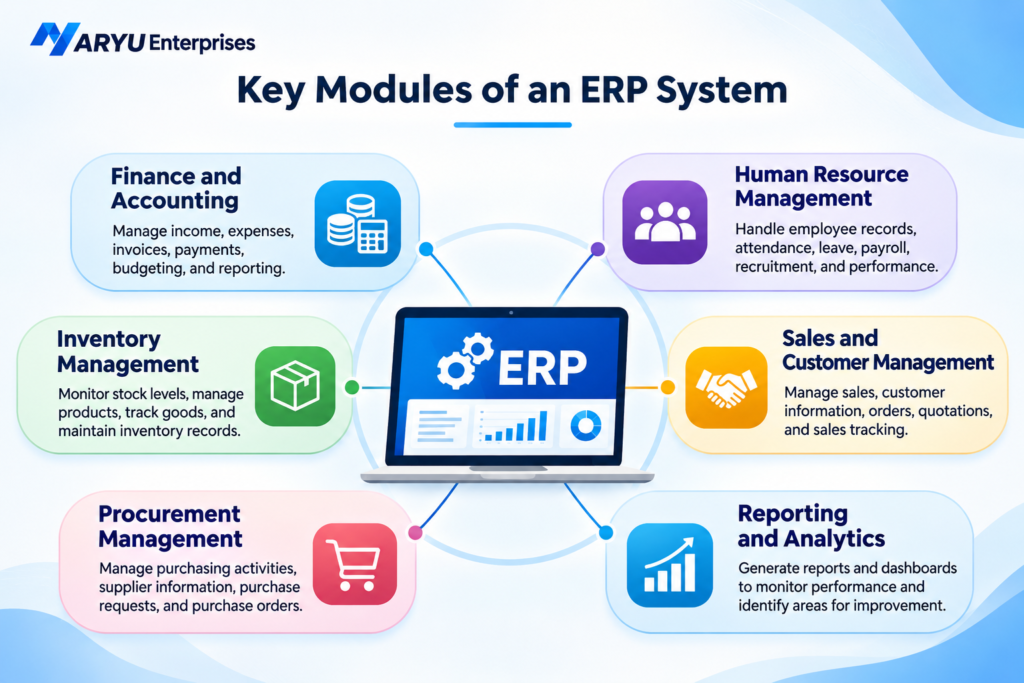
Key Modules of an ERP System
An ERP system consists of different modules designed to manage specific business functions. Businesses can select modules based on their operational requirements.
1. Finance and Accounting
The finance module helps businesses manage financial activities such as income, expenses, invoices, payments, budgeting, and financial reporting.
It provides better visibility into financial transactions and helps maintain organized financial records.
2. Human Resource Management
The HR module manages employee-related activities, including employee records, attendance, leave management, payroll, recruitment, and performance tracking.
It helps HR teams reduce manual administrative work and maintain organized employee information.
3. Inventory Management
The inventory module helps businesses monitor stock levels, manage product information, track incoming and outgoing goods, and maintain inventory records.
It helps businesses understand stock availability and reduce issues related to overstocking or stock shortages.
4. Sales and Customer Management
This module supports sales operations, customer information management, order processing, quotations, and sales tracking.
It helps sales teams manage customer interactions and monitor business opportunities.
5. Procurement Management
The procurement module manages purchasing activities, supplier information, purchase requests, purchase orders, and supplier-related transactions.
It helps businesses organize purchasing processes and maintain better control over procurement activities.
6. Reporting and Analytics
The reporting module converts business information into useful reports and dashboards. Managers can monitor important performance indicators and identify areas that require improvement.
What Are the Benefits of Enterprise Resource Planning?
1. Improved Business Efficiency
ERP software connects multiple departments and reduces repetitive administrative activities. Employees can spend less time managing separate systems and more time focusing on important business tasks.
2. Better Data Accuracy
When departments work with shared information, businesses can reduce duplicate records and manual data entry errors. A centralized database also helps maintain consistent business information.
3. Improved Decision-Making
ERP systems provide access to business reports and operational data. Managers can use this information to understand performance, identify problems, and make informed decisions.
4. Better Department Coordination
Different departments can share relevant information through the same platform. This improves communication and reduces delays caused by disconnected systems.
5. Increased Productivity
Automated workflows help reduce repetitive tasks such as generating reports, updating records, and processing routine transactions. This allows employees to focus on higher-value activities.
6. Business Scalability
As a company grows, its operational requirements may become more complex. A suitable ERP system can support additional users, business processes, and modules based on the organization’s changing needs.
Common Applications of ERP Systems
- Manufacturing: Managing production planning, raw materials, inventory, and supply chain activities.
- Retail: Tracking product availability, sales transactions, purchasing, and inventory.
- Healthcare: Managing administrative operations, billing, procurement, and resource planning.
- Education: Organizing administration, finance, employee information, and institutional resources.
- Logistics: Coordinating warehouse activities, transportation, inventory, and order management.
- IT and Service Companies: Managing employee information, project resources, financial operations, and service delivery.
Challenges of ERP Implementation
- Implementation Costs: Software licensing, customization, infrastructure, and employee training can increase the overall investment.
- Data Migration: Transferring existing information into a new ERP system requires careful validation and organization.
- Employee Training: Employees need sufficient training to understand and use the new system effectively.
- Integration Requirements: Connecting ERP software with existing applications may require technical configuration.
- Change Management: Employees may need time to adjust to new workflows and business processes.
How to Choose the Right ERP System for Your Business?
- Identify Business Requirements: Understand which departments need automation and which operational problems the ERP system should solve.
- Check Available Modules: Make sure the software supports essential functions such as finance, inventory, HR, purchasing, and reporting.
- Evaluate Integration: Check whether the ERP system can connect with your existing business applications.
- Consider Scalability: Choose a solution that can support your business as operations and employee requirements grow.
- Review Security Features: Evaluate user permissions, access controls, data protection, and backup capabilities.
- Compare Costs: Consider implementation, customization, maintenance, training, and ongoing support costs.
- Evaluate Vendor Support: Check the availability of technical assistance, software updates, and implementation guidance.
Conclusion
Enterprise Resource Planning plays an important role in helping businesses manage their daily operations through a connected software platform. By integrating departments, organizing business information, and automating repetitive activities, ERP systems can improve operational efficiency and support better decision-making.Businesses looking to improve their digital operations can explore the software solutions offered by Aryu Enterprises. Choosing suitable technology and implementing it effectively can help organizations build more organized and efficient business processes.